See the visits you lose after the click.
Watch a real phone visit, one moment at a time. Then see how many of every 100 visits wait too long, measurement by measurement.
Scan my site It's free, continue with Google
Test your key buying journey.
See where customers and AI agents get stuck.
Free. No credit card.
Watch a real phone visit, one moment at a time. Then see how many of every 100 visits wait too long, measurement by measurement.
Scan my siteEvery leak ranked by what it is worth each month, so the first thing you fix is the one that pays.
See how the report worksSpeed, forms, messaging. Find the friction hiding in plain sight.
Three useful next steps. Evidence behind every finding.
Make the change. Recheck. See what moved.
One clear view. All the depth, one click away.
 PostCliqExample report · fictional data
harbour-advisory.example
Google's speed data
100 real phone visits
38 of every 100 phone visits waited more than 2.5 s for the main content.
Each dot is one visit in 100, from real Chrome visitors on phones over the past 28 days. Source: Google Chrome UX Report.
| Google rating | Range | Visits in 100 |
|---|---|---|
| Good | Up to 2.5 s | 62 |
| Needs improvement | 2.5 s to 4.0 s | 26 |
| Poor | Over 4.0 s | 12 |
Made for decisions. Not another dashboard to decode.
Compare traffic with the actions that matter. Find landing pages attracting visitors but generating fewer enquiries.
Consulting attracts attention. Its enquiry rate needs a closer look.
| Landing page | Sessions | Enquiries | Rate |
|---|---|---|---|
| /services | 4,200 | 84 | 2.00% |
| /consulting | 2,800 | 28 | 1.00% |
| /contact | 1,650 | 66 | 4.00% |
See which search pages are growing, which are slipping, and where impressions are not turning into visits.
Consulting clicks are down. Check query intent before rewriting the page.
| Search page | Clicks | Change | CTR |
|---|---|---|---|
| /services | 1,620 | +14% | 5.4% |
| /consulting | 720 | −22% | 2.1% |
| /insights | 540 | −9% | 3.6% |
Behaviour signals give you somewhere useful to investigate. A click pattern is a clue, not proof of lost revenue.
Share of sessions · scale 0–20% · example data
Dead clicks are the strongest signal in this example. Inspect the clicked element.
| Behaviour | Sessions | Share | Next step |
|---|---|---|---|
| Dead clicks | 843 | 17.39% | Inspect target |
| Rage clicks | 53 | 1.09% | Review context |
| Quick backs | 299 | 6.17% | Check intent |

Our public audit checks speed, visible security signals, search access and the journey to an enquiry. No plugin to install and no WordPress password, ever.
Start with your websiteReview available software versions, update status and site-health signals. Surface concerns that need attention, with the evidence behind each one.
Put page-loading results beside the site’s technical setup. Investigate heavy assets and performance bottlenecks, then see what to test next.
Bring available configuration and health checks into one view. Separate observed issues from checks that need more access or investigation.
Get a clearer picture of the setup behind your website, with authorised, read-only technical insights. No password sharing. You stay in control.
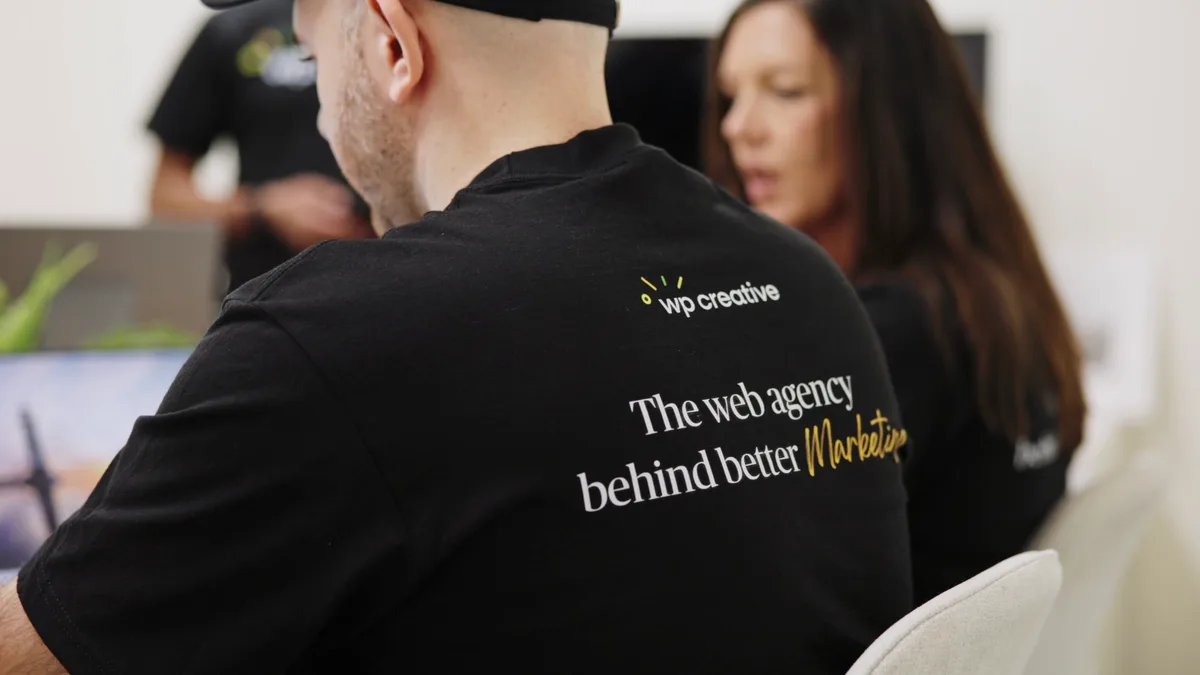
Marketing teams put a lot into getting people to a website. The difficult conversation starts when those visits don’t become enquiries.
At WP Creative, that’s the part of the journey we work on: the website. Our internal audit work has taught us to look beyond a score and ask what someone is trying to do, what is getting in the way, and what a team can change.
PostCliq brings that way of thinking into a clearer report. Built for the person who has to explain the problem—and help move it forward.
Meet the team behind PostCliqWhy free? WP Creative has used this audit on client websites for years. We are giving it to Australian marketing teams so you can see where your website loses enquiries, and fix it yourself or with your own developer.
No credit card. No trial. No locked findings.
Paid traffic is dearer every year and search sends fewer people through. The visits you still win carry more of your pipeline, so what happens after the click is where growth now comes from.
Practical, sourced guides for marketing teams. Browse every article.
Audits, benchmarks and the fixes that turn visits into enquiries.
Where paid clicks land, and why so many leave.
GA4, Microsoft Clarity and Search Console, read for enquiries.
How ChatGPT and AI Overviews choose who to cite.
Ad prices, zero-click search and the value of one visit.
Checkout, cart abandonment and the Black Friday peak.
Speed, common problems and how to audit a WordPress site.
Briefs, rebuilds and choosing help you can hold to account.
Add your website. Create a free account while we check it. Open your report and choose your next step.
Yes, within your allowance. Brands start with one site; agencies with five. Audits cost us real money, so each site gets one standard audit a week.
WP Creative built PostCliq from the audit we have used on client websites for years, and we are giving it to marketing teams for free. You get the full report and can act on it yourself or share it with your own developer. We fund it because a useful audit builds trust, and some teams later choose to work with WP Creative. You never have to book a call.
Someone from WP Creative may get in touch once after you sign up, to ask whether PostCliq was useful. They will not see or quote your findings unless you share your report with them, and you never need a call to use PostCliq.
No. It’s an opportunity scenario, not measured loss. Sourced estimates and explicit assumptions support the range. Add your numbers to refine it. Without enough evidence, we show findings instead.
Your company team and signed-in people you share it with. No public reports. Company access rules will be explained at signup.
You’ll see each stage as it runs and can come back later. Timing depends on your site and connected sources; we’re validating it before launch.
No. The audit works from your public pages alone. Connecting Google Analytics 4, Search Console, Microsoft Clarity or Google Ads is optional and read-only, and puts what visitors actually did beside each finding.
Free. No credit card.